| Get the entire How to Build Your Own PC in affordable hard copy |
Click Here!
|
|
|
Removing the Existing I/O Shield
Our first step is to remove the I/O
shield that comes with the case, so that we can install the new I/O
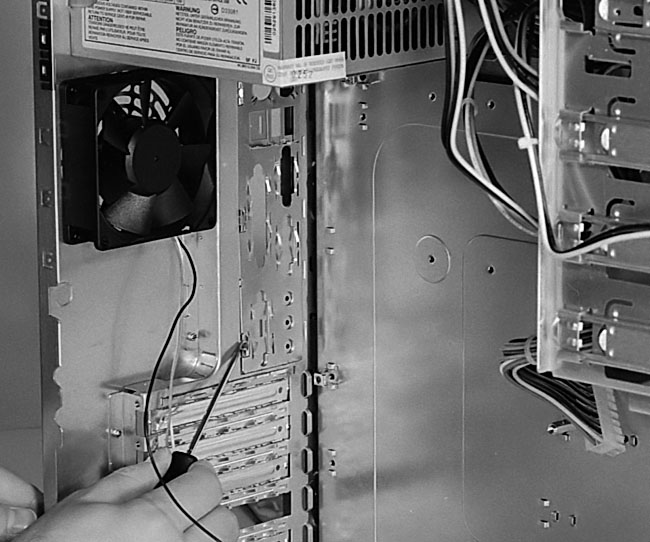
shield. Many I/O shields are designed to pop into place from the rear
of the case. These are removed by pushing them from outside the case
back into the case. Sometimes using a small, flat screwdriver to wedge
one side of the shield into the slot helps get it started (Figure 57).
Figure 57: Removing the I/O shield Some I/O shields pop out easily; others are best removed by using a small, flat screwdriver to disengage them. Be careful when pushing on these, because they often contain sharp edges.
|
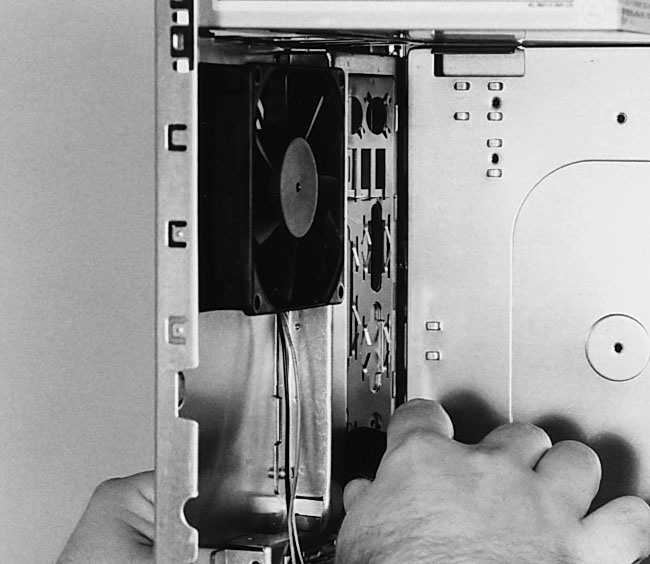
The shield that came with
this case is slightly different. It has two sides which are different
and is most easily removed by first using a flat screwdriver to push
one side of the shield out of the case. Then, the I/O shield can be
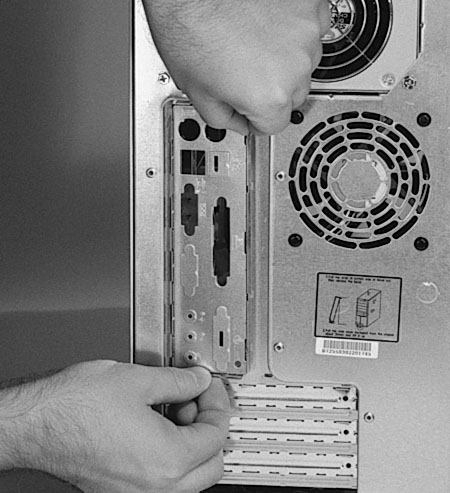
removed by pushing it from inside the case (Figure 58
and Figure 59).
Figure 58: Using a screwdriver to pop out the old I/O shield This particular shield removes most naturally from the back of the case. Some shields are best removed by pushing them into the case. Examine your shield to decide how best to proceed. Using the back of a screwdriver to do the pushing helps prevent cut fingers if the I/O shield pops out suddenly.
|
Figure 59: Removing I/O shield from the back When installing the new shield, orientation is important.
|
I/O shields are often designed
so that the metal at the edges wraps around to give the edges a natural
springiness that holds the I/O shield in place. Examine your I/O shield
carefully before you start to remove it to help you find the best way
to remove it.
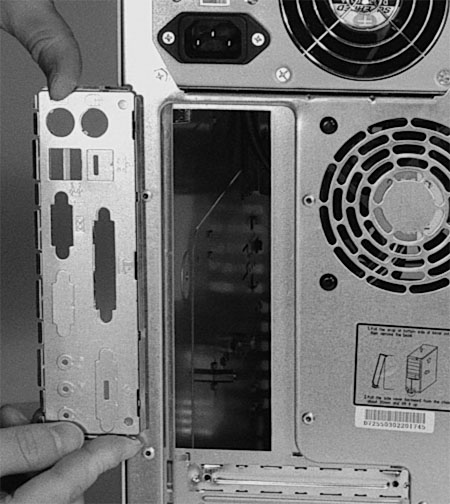
Figure 60
shows the removed I/O shield next to the back of the case.
Figure 60: Removed I/O shield next to back of case
|
| If you find The PC Guide useful, please consider making a small Paypal donation to help the site, using one of the buttons below. You can also donate a custom amount using the far right button (not less than $1 please, or PayPal gets most/all of your money!) In lieu of a larger donation, you may wish to consider buying the inexpensive print version of How to Build Your Own PC, direct from the author. Thanks for your support! |
|
|
Home -
Table Of Contents - Contact Us
How to Build Your Own PC (http://www.PCGuide.com/byop/) on PCGuide.com
Version 1.0 - Version Date: May 4, 2005
Adapted with permission from a work created by Charlie Palmer.
PCGuide.com Version © Copyright 2005 Charles M. Kozierok. All Rights Reserved.
Not responsible for any loss resulting from the use of this site.
|


