| Get How to Build Your Own PC in print for just $21.95 |
Click Here!
|
|
|
Drive Installation Complete
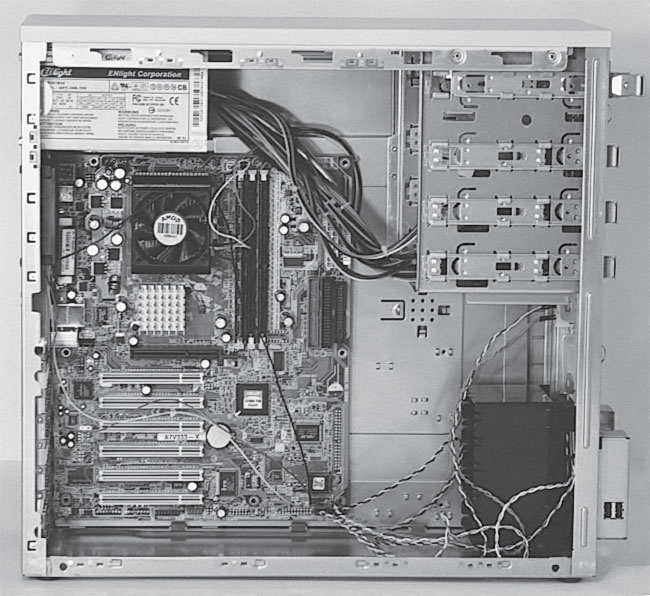
We’ve now installed the mainboard
in the case (Figure 87).
We‘ve also learned how to install the drives. In the next chapter,
we’ll learn how to connect the drives to the power supply and to
the mainboard. We’ll also learn how to install expansion cards.
Figure 87: The mainboard installed in the case The mainboard is now installed and connected to the case and the drives are also installed and secured.
|
| If you find The PC Guide useful, please consider making a small Paypal donation to help the site, using one of the buttons below. You can also donate a custom amount using the far right button (not less than $1 please, or PayPal gets most/all of your money!) In lieu of a larger donation, you may wish to consider buying the inexpensive print version of How to Build Your Own PC, direct from the author. Thanks for your support! |
|
|
Home -
Table Of Contents - Contact Us
How to Build Your Own PC (http://www.PCGuide.com/byop/) on PCGuide.com
Version 1.0 - Version Date: May 4, 2005
Adapted with permission from a work created by Charlie Palmer.
PCGuide.com Version © Copyright 2005 Charles M. Kozierok. All Rights Reserved.
Not responsible for any loss resulting from the use of this site.
|


